Set a single goal
How to set a single goal step by step
-
Click
2D Goal Posebutton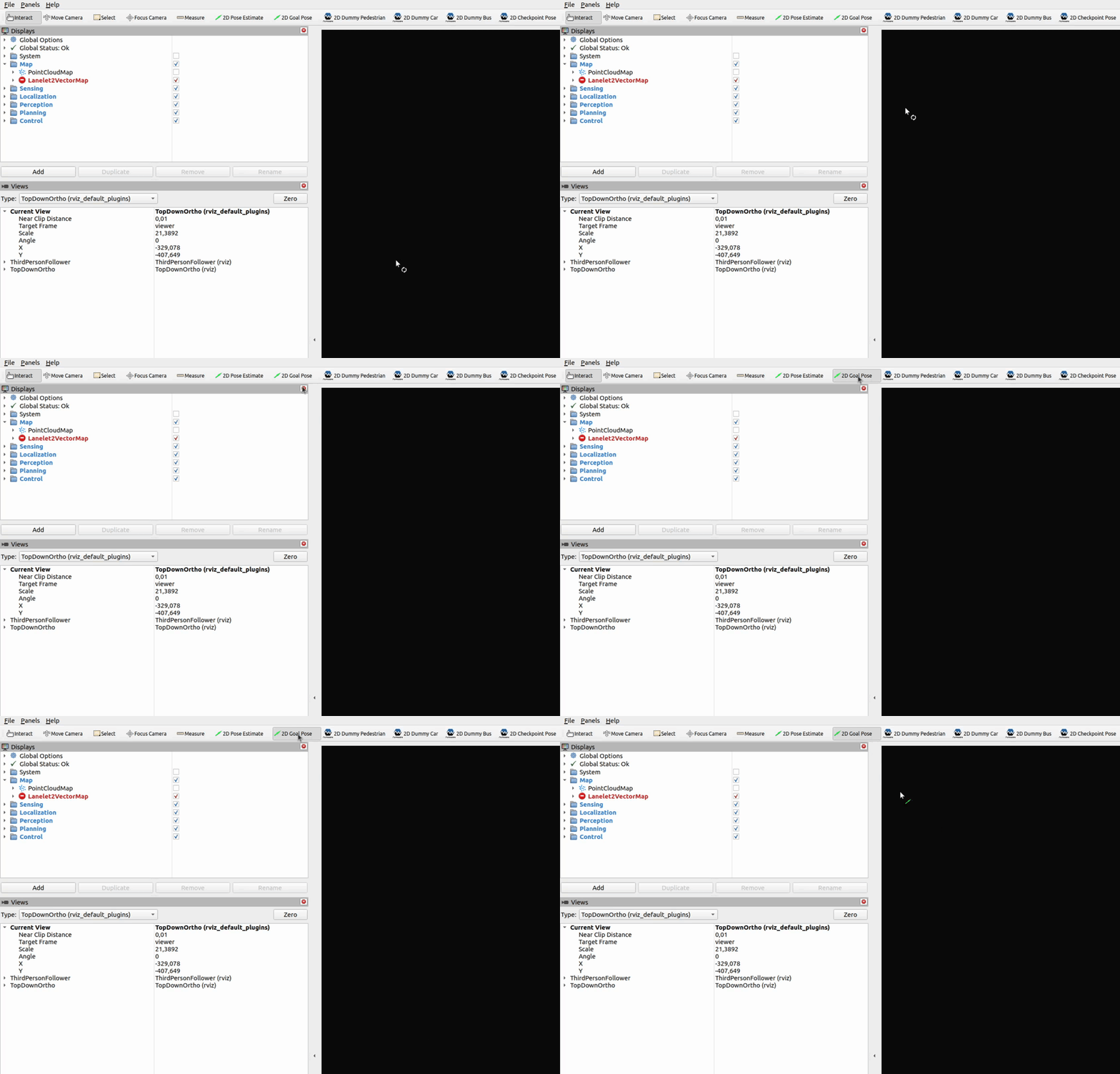
-
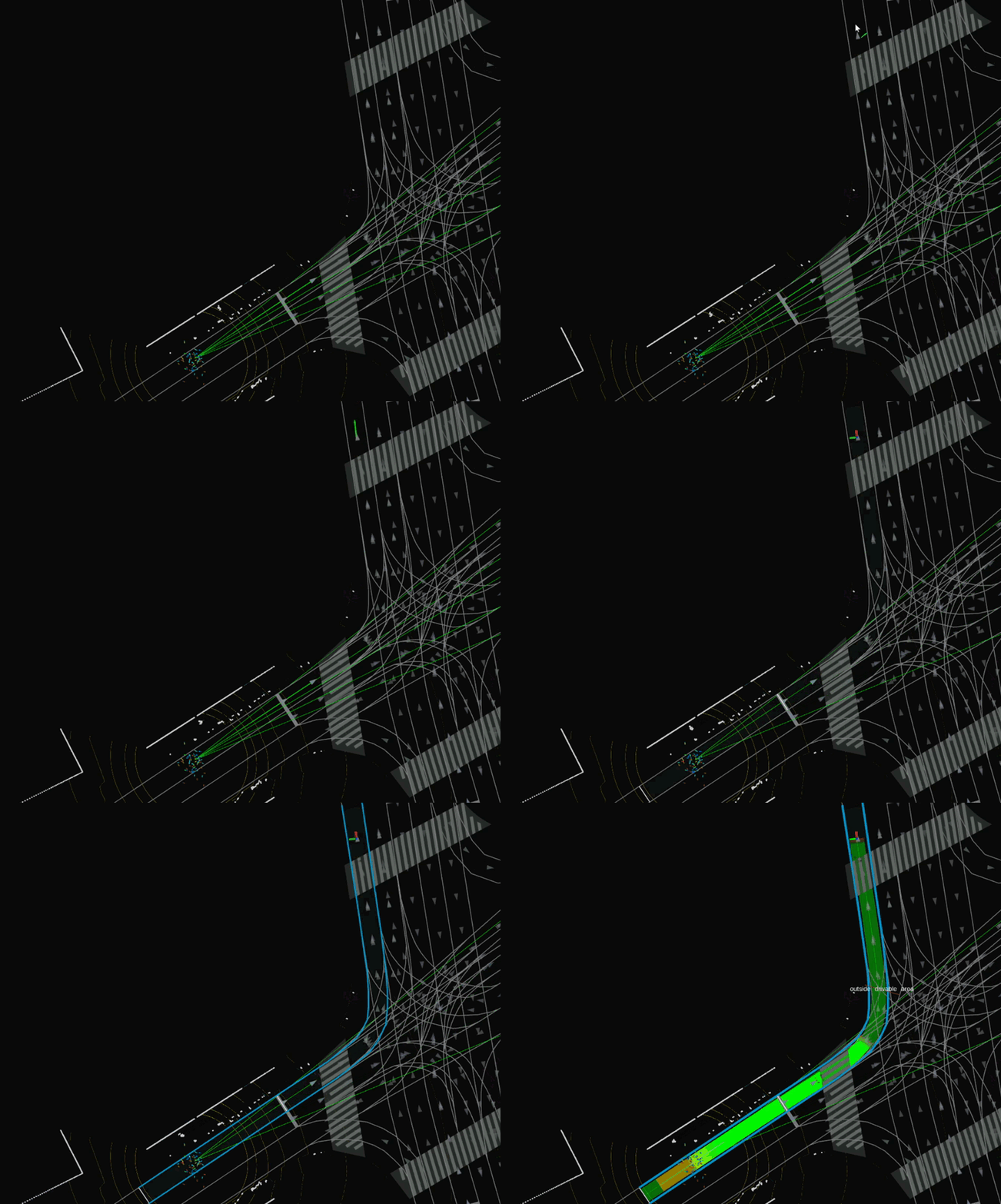
Click and drag the mouse on the road to set goal position and orientation. Planned path should appear on the road after a while.
Important
Remember to always set orientation aligned with road direction. Road direction is marked as small arrow marks on the road area.