Set the initialization position
Automatic position initialization
When launching Autioware after AWSIM has been launched the ego vehicle position should be automatically initialized in Autoware. When this does not happen please see this section.
The full process can be seen in the video below (open in full screen mode to see the details).
Manual position initialization
In order to set position of ego vehicle manually
-
Click
2D Pose Estimatebutton.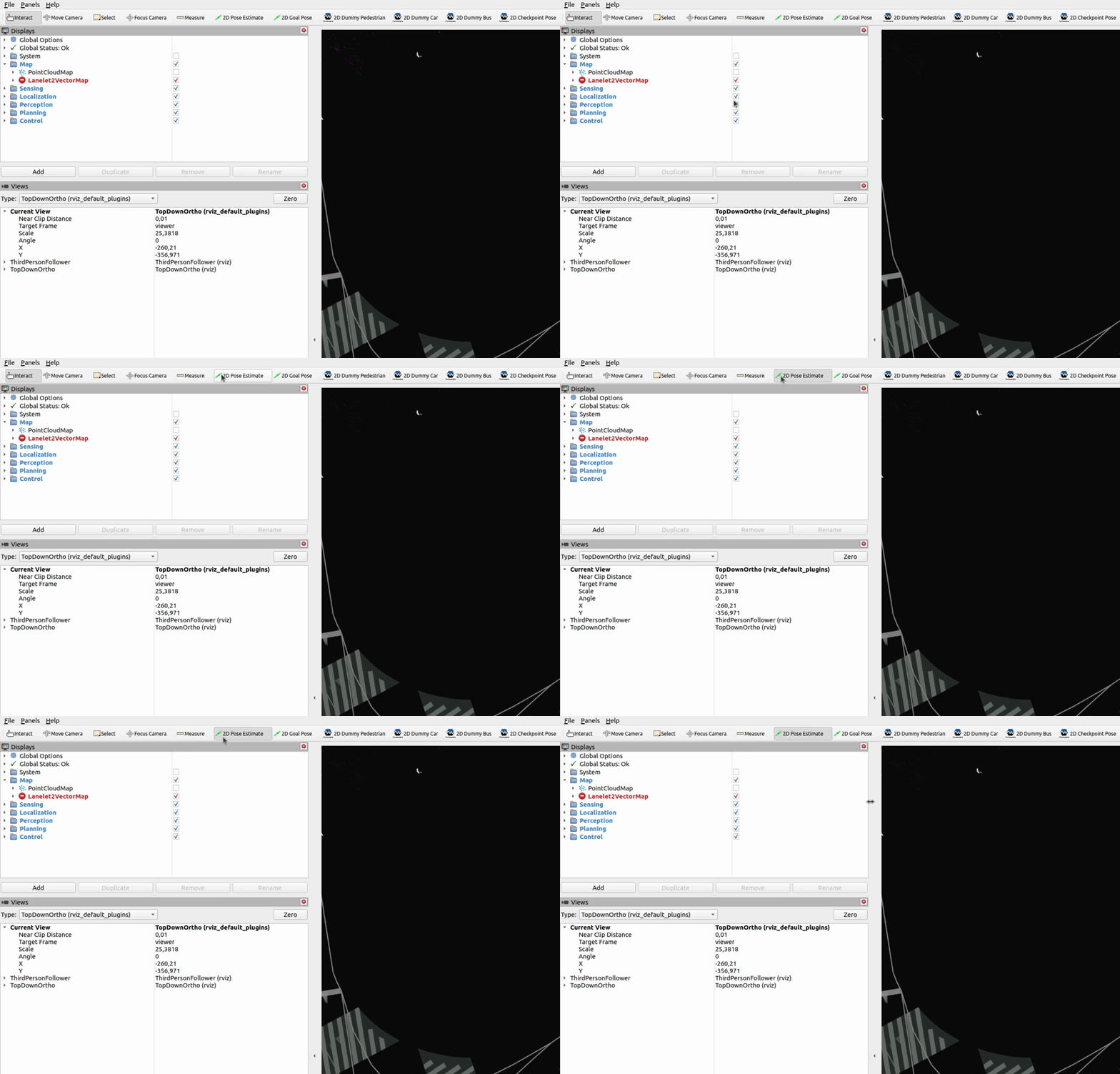
-
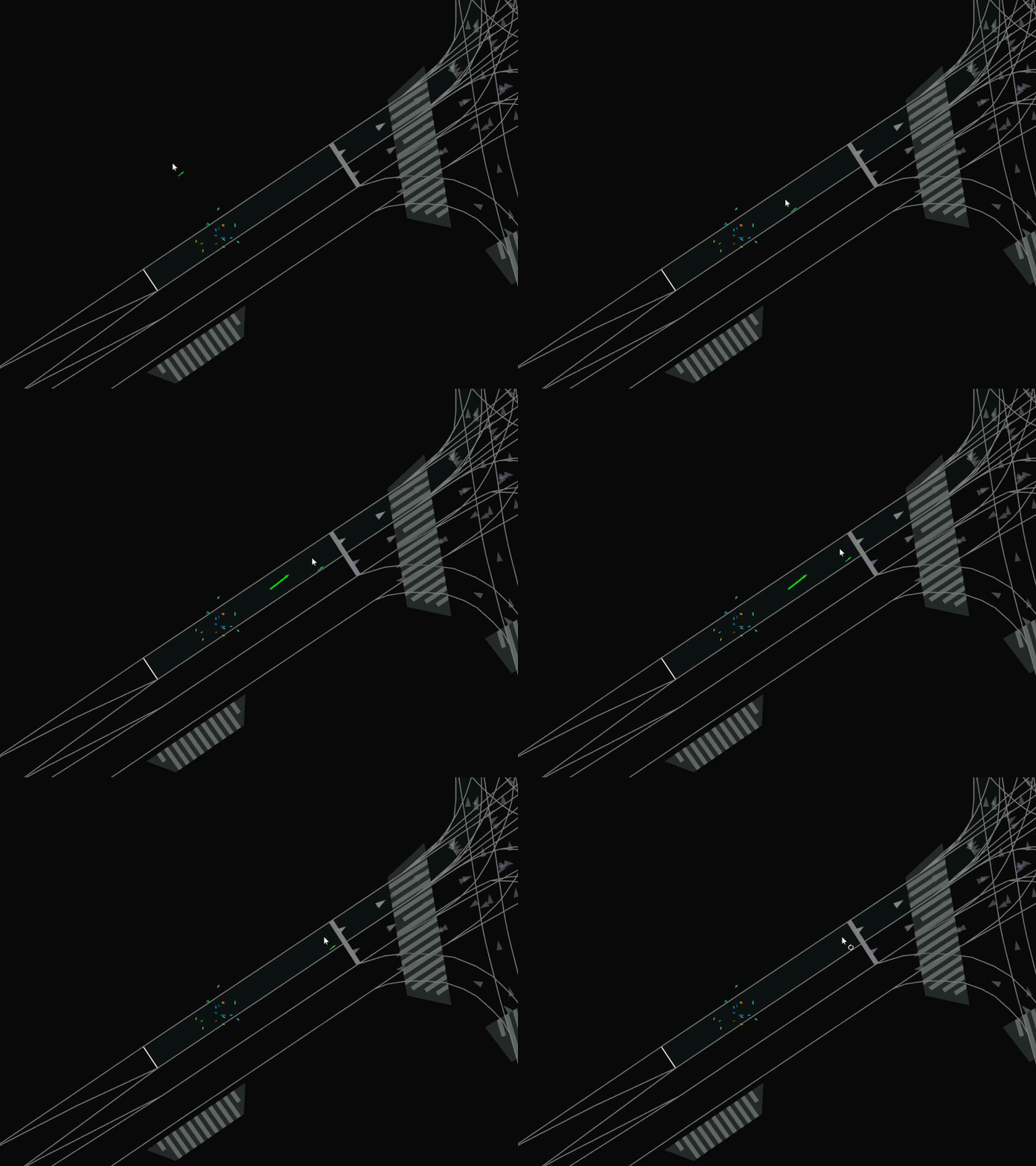
Click and drag on the road area position to set estimated position and orientation.
Important
The position and orientation to set in demo should be the same as in the video in this section.
-
Wait for the ego vehicle to appear.